It’s been a while since I’ve used the GUI tools so I practiced by making a simple HUD that tracks how many hits you made on the ball with the stick.
Image showing HUD (position shown is not correct, its actually closer to the left-hand side)
Basically just count each time you hit the ball and update the HUD. Something to keep in mind for future is that HUD breaks immersion pretty hard, I think its better to have things displayed on a screen or scoreboard whenever possible. But its still good to know how to do it.
I am planning to experiment with things like goggle fog, frost, screen cracks, etc.
After a decent amount of finagling I got the tetherball working. The rope even wraps around the post which was the best I could have hoped for.
The rope can’t handle extreme changes in velocity but for a simple solution it works quite nicely.
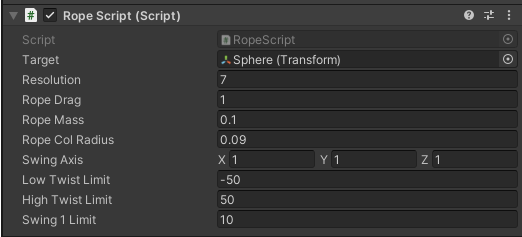
Using Jacob Fletcher’s Line Renderer script, here are the settings I used for my tether rope in Unity to get it working in VR (the scale is much smaller than the defaults):
As a side-note, I was so immersed that when I finished I turned around and put my controllers down ontop of a wall I had built in VR without realizing that there was no table there in real life! But I had placed a TV table there earlier and it happened to be at about the correct height. Talk about blending RL and VR!
Today I worked on implementing interactive tetherball. I’m using a simple LineRenderer script I found that creates ropes dynamically. It’s going terribly well so far!
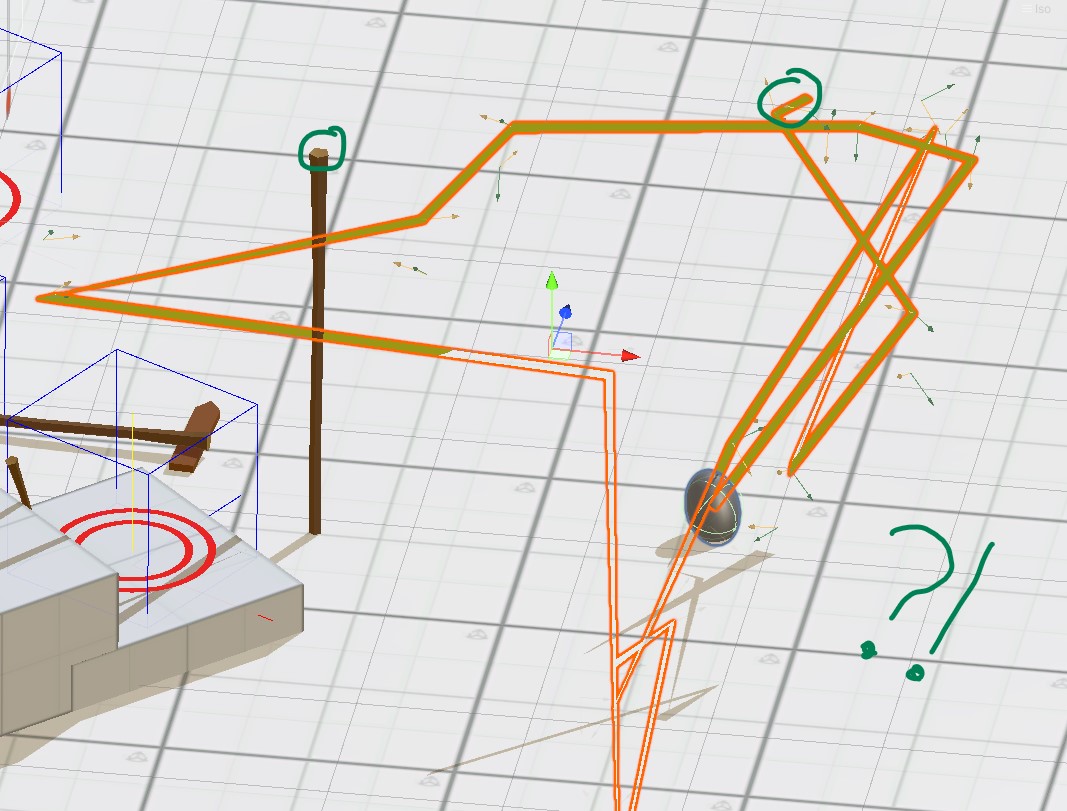
I think there’s some internal collisions happening that I need to figure out. It seems to also be morphing the tetherball on the end for some reason.
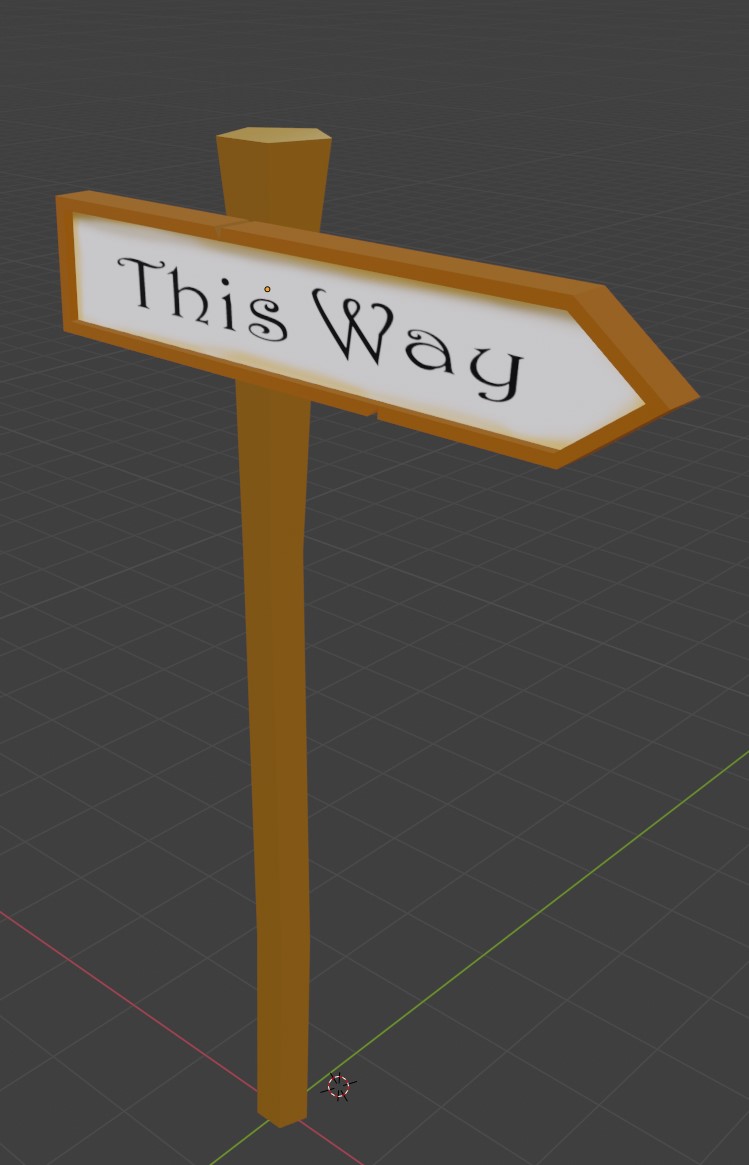
Adding a hinge joint had the unintended effect of picking up both the post and the spinning sign. The simple solution was to make the post static. I do wonder how I could make it possible to pick up the post and move it and then fiddle with something attached to the post without moving it…?
Another thing I did to make it work with the XR Grabbable system is that I switched the movement type from Kinematic to Velocity Tracking for the 2nd sign which seemed to maintain the hinge constraint better.
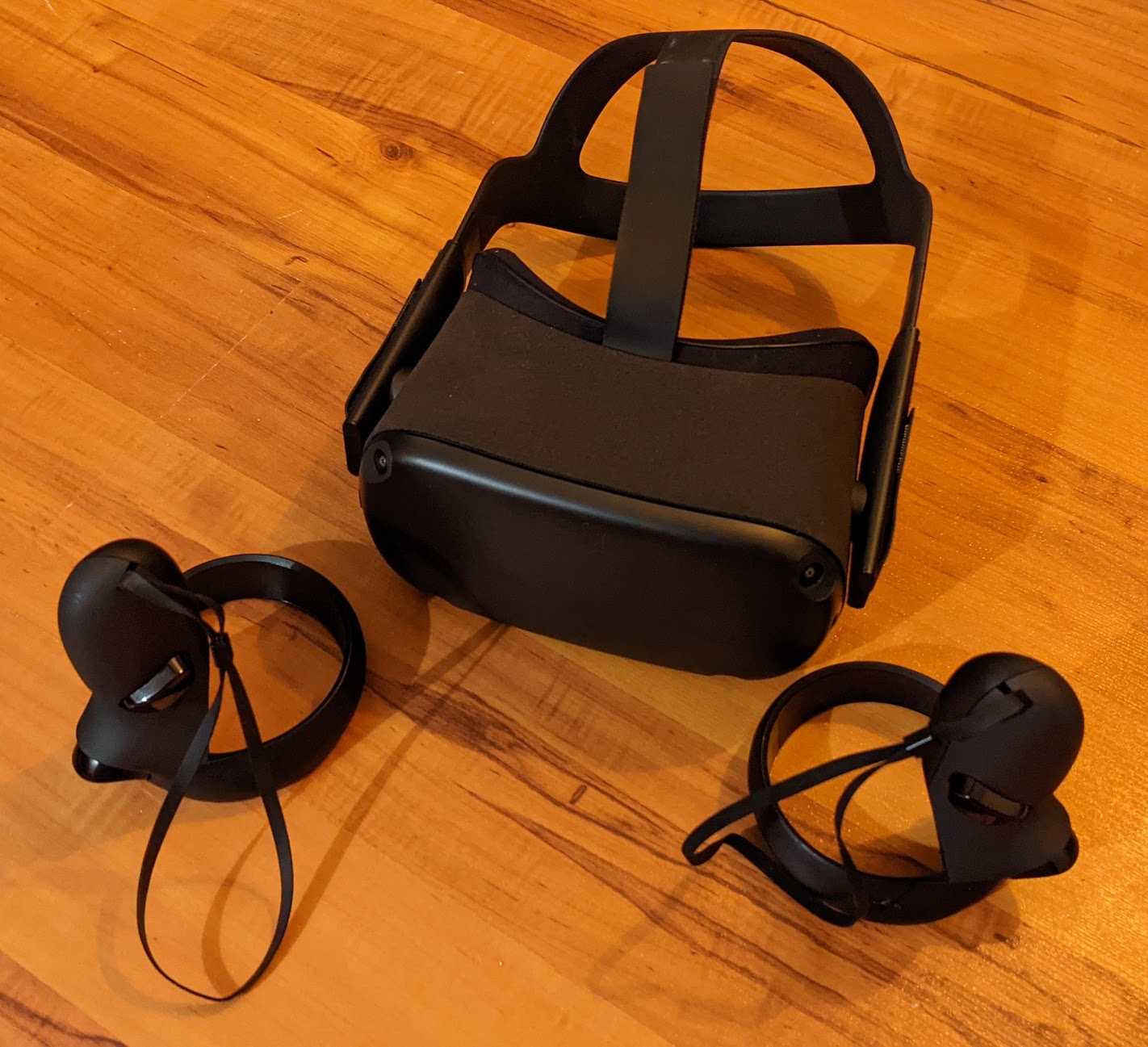
So I’m making a VR game… or I have been for a while. I bought myself the Oculus Quest V1 in 2019 specifically because I thought it would be fun to make games with… but up until now it’s been mostly off-and-on with very little progress.
I’ve decided to keep myself more accountable and put in at least 1 hour every day. So this is basically a record of that.
Why VR?
I feel like there is still a lot of unexplored territory when it comes to VR experiences. I get really excited thinking about possible game ideas and I want to try things out!
What Experiences do I like in VR?
I find I’m drawn to immersive experiences that aren’t too fast paced. I think the point of VR is to transport you to a new world. Even in action games such as the Vader Immortal series I find I just want to look around and explore rather than follow the action. Honestly, the First Steps free experience on the Quest is beautifully done and really immerses you in a virtual world. I always get people to try that first. I also like games with fun physics.
Elven Assassin is one of my GO TO games when it comes to a simple and tight gameplay experience with a fun core mechanic.